
In 2026, building a custom AI chatbot is no longer a luxury — it is a strategic move for any business that wants to scale efficiently. Whether your goal is to generate leads, automate customer support, or increase sales, a well-designed chatbot can transform how your business operates.
However, most businesses make one mistake: they jump straight into tools without having a clear strategy.
A successful AI chatbot is not just about technology — it is about understanding your customers, defining workflows, and creating a system that aligns with your business goals.
This step-by-step guide will walk you through the complete process of building a custom AI chatbot that actually delivers results.
Step 1: Define Your Business Goals Clearly
Before you start building anything, you need clarity.
Ask yourself:
- Do you want to generate leads?
- Do you want to automate customer support?
- Do you want to increase sales conversions?
Your chatbot’s purpose will define everything — from its conversation flow to its integrations.
For example:
- A lead generation chatbot focuses on capturing user data
- A support chatbot focuses on answering queries
- A sales chatbot focuses on conversions
Without a clear goal, your chatbot will feel confusing and ineffective.
Step 2: Understand Your Target Audience
A chatbot is only effective if it speaks your customer’s language.
You need to understand:
- What your customers are looking for
- What problems they face
- What questions they frequently ask
This helps you design conversations that feel natural and relevant.
For example:
If your audience is business owners, your chatbot should be direct and solution-focused.
If your audience is general consumers, it should be simple and easy to follow.
Understanding your audience ensures better engagement and higher conversions.
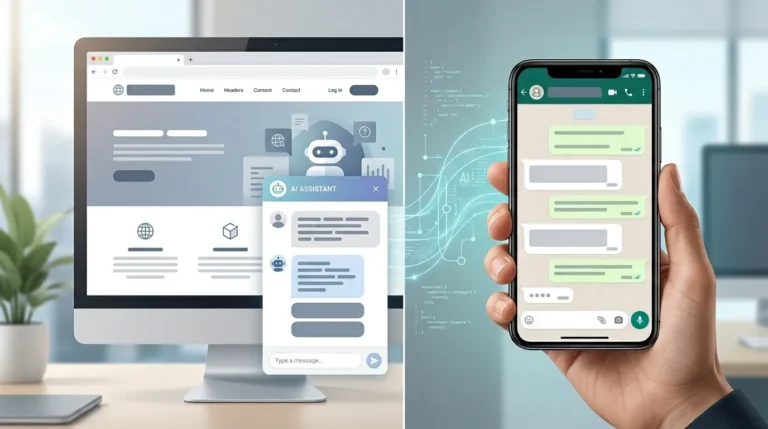
Step 3: Choose the Right Platform (Website or WhatsApp or Both)
Your chatbot should be available where your customers are.
You can build it for:
- Website
- Or both
Website chatbots are great for capturing leads from traffic.
WhatsApp chatbots are excellent for follow-ups and conversions.
The most effective approach is to combine both and create a connected system.
Step 4: Map Out the Conversation Flow
This is the most critical step.
A chatbot without a proper flow is just a random question-answer tool.
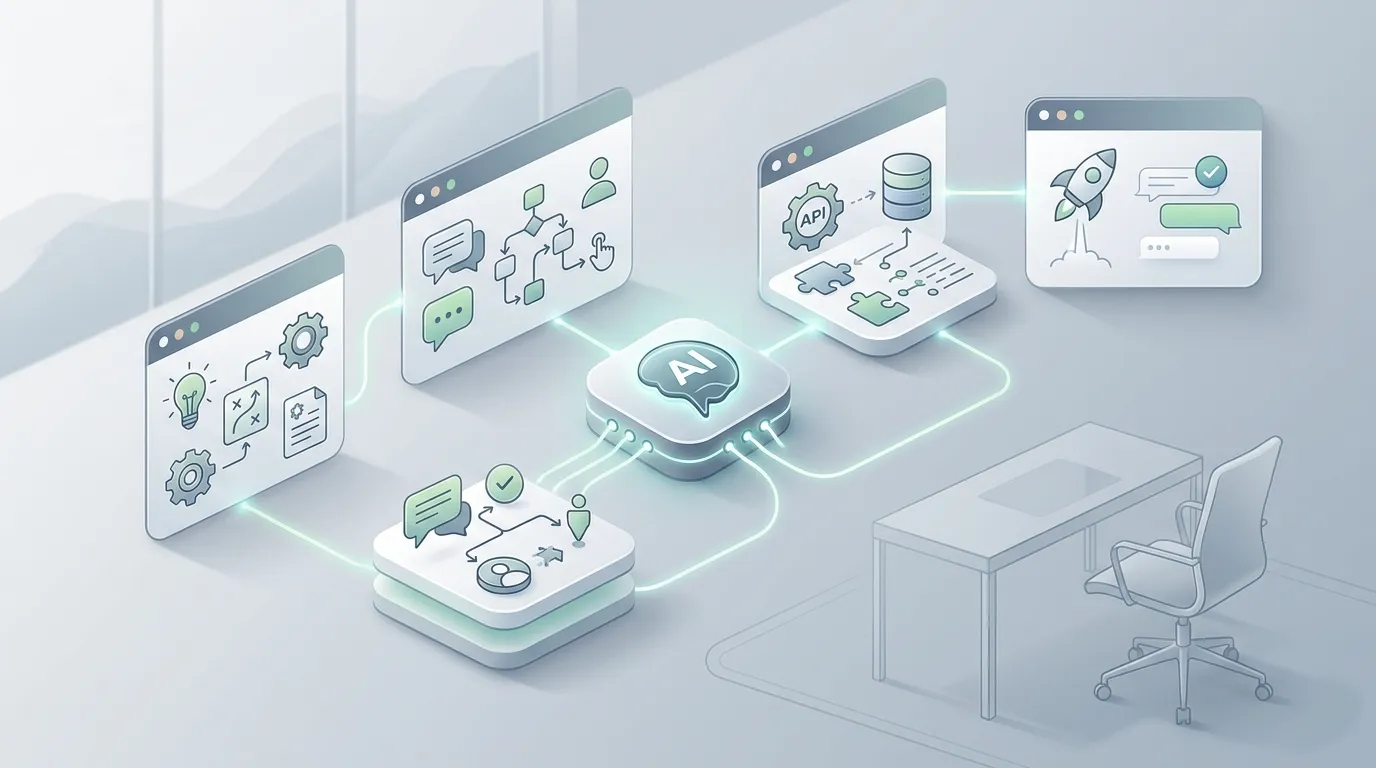
You need to design a structured journey:
- Greeting message
- Understanding user intent
- Asking qualifying questions
- Providing relevant solutions
- Capturing user details
- Ending with a clear action (book, contact, buy)
Think of it as a guided conversation, not just automation.
A well-designed flow feels natural and helps users move forward smoothly.
Step 5: Select the Right Tools and Technology
There are many tools available for chatbot development, but choosing the right one depends on your needs.
You may need:
- AI engine (for understanding queries)
- Automation tools (for workflows)
- Integration tools (for CRM, WhatsApp, website)
Instead of focusing only on features, focus on:
- Flexibility
- Scalability
- Integration capability
A custom-built solution often performs better than generic templates because it is tailored to your business.
Step 6: Integrate with Your Business Systems
A chatbot becomes powerful when it connects with your existing systems.
Key integrations include:
- CRM (to store leads)
- WhatsApp (for communication)
- Website (for interaction)
- Email systems (for follow-ups)
This ensures that all data flows smoothly and nothing is lost.
For example:
A lead captured on your website can automatically be sent to your CRM and followed up via WhatsApp.
Step 7: Train Your Chatbot with Real Data
AI chatbots improve with data.
You need to train your chatbot using:
- Frequently asked questions
- Customer queries
- Business-specific information
The more relevant data you provide, the better your chatbot will perform.
Training ensures:
- Accurate responses
- Better understanding of user intent
- Improved user experience
Step 8: Test Before Launch
Never launch a chatbot without testing.
You should check:
- Conversation flow
- Response accuracy
- Integration functionality
- User experience
Test different scenarios:
- New user
- Returning user
- Different types of queries
This helps identify gaps and improve performance before going live.
Step 9: Launch and Monitor Performance
Once your chatbot is live, your job is not done.
You need to monitor:
- Number of conversations
- Lead conversion rate
- Drop-off points
- Common user queries
This data helps you understand what is working and what needs improvement.
Step 10: Optimize and Improve Continuously
A chatbot is not a one-time setup.
It needs continuous optimization.
You can improve it by:
- Updating conversation flows
- Adding new responses
- Refining lead qualification questions
- Improving integrations
Over time, your chatbot becomes smarter and more effective.
Common Mistakes to Avoid
Many businesses fail with chatbots because they:
- Skip planning
- Use generic templates
- Ignore user experience
- Do not optimize after launch
Avoid these mistakes to ensure your chatbot delivers real results.
Why Custom AI Chatbots Perform Better
Custom chatbots are built specifically for your business needs.
They:
- Align with your sales process
- Match your brand voice
- Integrate with your systems
- Provide better user experience
Unlike generic tools, they are designed for performance, not just functionality.
Final Thoughts
Building a custom AI chatbot is one of the smartest investments you can make for your business in 2026.
It allows you to:
- Automate repetitive tasks
- Capture and convert leads
- Provide instant customer support
- Scale your operations efficiently
But success depends on strategy, not just tools.
If you follow a structured approach — from planning to optimization — your chatbot can become a powerful growth engine for your business.